
The Creative Software Industry Has a Problem. We Built Our Answer.
If you're a creator or a small marketing team in 2026, you're probably paying for a stack of separate subscriptions just to ship content. A design tool here. A photo editor there. A video editor. A PDF tool for proposals and contracts. An AI image generator on top. Each one bills monthly, updates on its own schedule, and keeps your work in its own silo.
You're not paying for software. You're paying rent on your own creative workflow, and the landlords keep raising the price while reducing what's included.
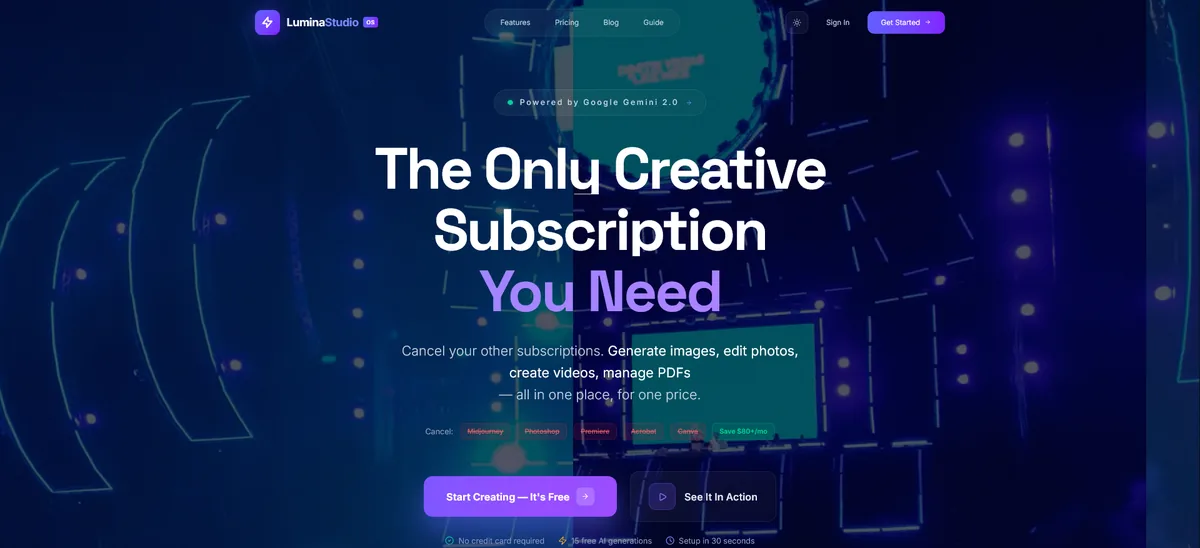
Today, I'm announcing Lumina Studio, our answer to that fragmented stack for the work most creators and marketers actually ship every week: designs, photos, short video, documents and AI-generated assets, kept on-brand, in one subscription that runs in your browser. It starts free, and paid plans start at $12 a month.
Explore it now: www.lumina-os.com
What Lumina Studio Actually Is
Lumina Studio is an AI creative suite that runs in your web browser. There is nothing to download, install or update: sign up and the studios are there. One account, one set of brand kits, and one AI allowance across every studio.
Here's what's inside:
Design & Photo
- Canvas Editor, The board where text, images and AI-generated artwork come together into a finished design. Layers, scale, skew and rotate handles, Smart Guides, keyframe animation for canvas elements, Version History checkpoints, and a template gallery to start from. Export PNG and JPG on the Free plan, plus PDF, WebP and SVG on paid plans.
- Pro Photo, Layer-based photo editing with 16 blend modes, 13 per-layer adjustments, nine one-click presets, layer effects, brush, pencil and eraser tools, AI background removal, and an AI edit prompt that applies a change you describe to the selected layer. Adjustments stay attached to their layer, so you can change or remove them later. Export as PNG, JPEG or WebP. It edits one image at a time: there is no batch processing and no RAW workflow.
- Brand Hub, Brand kits with logos for light and dark backgrounds, five brand colors with a WCAG contrast check, heading and body fonts, a brand asset library, and a Brand Voice. Mark one kit as your default and AI Templates can generate with it, Brand Guardian checks Canvas designs against it (and can fix what it flags), and Campaign Studio and the Content Calendar write in its Brand Voice.
Video
- Video Studio, Describe a concept and Lumina plans a storyboard of shots, each with a prompt, a camera movement and cinematic detail. Render each shot with Google Veo, extend a rendered shot, and cut the shots together into one MP4.
- Video Studio Pro, A multi-page editor for the edit itself: Cut and Edit timelines with a Media Pool, three transitions (Dissolve, Fade Black and Fade White), clip volume and mute, and a mixer page with a fader, pan, three-band EQ, mute and solo for each track, plus Compressor, Limiter, Reverb and Delay. It transcribes a clip's audio and turns the transcript into captions, and it finds stock B-roll from Pexels on the Cut page, each clip credited to its creator. Export as MP4 or WebM, whichever your browser can record.
Documents
- PDF Suite, Convert Word, Excel, image and text files into PDF, add text boxes, merge and split documents, sign, password-protect and set permissions, redact, run OCR on scanned pages, apply Bates numbering, add headers and footers, compare two versions, check accessibility, run preflight, and batch-process files. Two honest limits: it adds new text rather than rewriting text already in the PDF, and it applies one signature per file without validating certificate chains.
AI Generation
- AI Stock, Generate images from a text description at 1:1, 4:3, 16:9 or 9:16, one, two or four at a time, with visual direction presets, negative prompts, seeds, 4K upscaling and variations. Edit part of an image with a brush mask, make animated loops, or turn a still into a Veo video clip with a camera move.
- Brand Lock and Virtual Photoshoot, Save a character or product to your brand library and Lumina attaches it as a reference, so it stays consistent from one generation to the next. The Virtual Photoshoot turns one product photo into a series of on-brand scene shots, each with a BrandGuardian score from 0 to 100.
- Talking-presenter video, Paste a script, upload or describe a presenter, and Lumina generates a presenter video in segments that stay consistent from cut to cut, with captions synced automatically.
- AI Assistant, Chat backed by Google Search, a live voice conversation, text read aloud, a breakdown of an uploaded design, and a transcript of an uploaded audio file. Not AI as a gimmick, AI as a working tool inside each studio.
Campaigns & Marketing
- Brand Campaign Agent, One brief in, a campaign out: a copy kit with concept, headline, body, call to action and per-channel captions with hashtags, plus three hero concepts scored for brand fit. Pick a hero and Lumina composes it with your headline, call to action and logo, then resizes it for Instagram post and story, Facebook, LinkedIn and X.
- Content Calendar, Give it a brief and it drafts 1, 2, 4 or 8 weeks of dated posts for Instagram, TikTok, X, LinkedIn, Facebook and YouTube: headline, caption, hashtags, call to action, and an image in your brand colors on request. It plans and drafts; it does not publish to your social accounts. Included with Pro.
What Lumina Studio Is Not
Just as important is what Lumina is not. It is not a digital audio workstation: the mixer shapes the sound of a video edit, with no recording, automation, MIDI or instrument plugins. It is not a 3D modeling tool. It is not a code editor. It is not a desktop app. If your work lives in those tools, keep them. Lumina replaces the stack that day-to-day content work actually runs on.
Why This Matters
The creative software market has consolidated into a handful of subscription empires. The value proposition has inverted: you pay more every year, own less, and get trapped deeper with every year of accumulated project files.
Lumina Studio challenges that model on three fronts:
1. One Subscription, the Whole Content Workflow
The pricing is on the page. Free is $0, with 15 AI images and 2 AI videos a month, the Canvas editor's core tools, and no credit card. Starter is $12 a month, or $10 a month billed yearly, with unlimited projects, every studio, and every export format. Pro is $24 a month, or $19 a month billed yearly, with 150 AI images and 10 AI videos a month at 1080p, plus the Content Calendar, Design-to-Code, Brand Guardian, Design Variations and up to 5 brand kits. Team is arranged directly with us. Starter and Pro both start with a 14-day free trial, and you can cancel anytime.
2. Bring Your Own Key, No Lumina Cap
Connect your own Google Gemini API key on any plan, including Free, and Lumina puts no cap on the generations you make with it. Google bills those calls to you at its API rates, and your key stays in your browser: it never reaches our servers. Stock search and transcription stay metered by plan. Included credits or your own key, the choice is yours.
3. Standard Formats, Your Work
Designs export as PNG, JPG, WebP, SVG and PDF. Photos export as PNG, JPEG or WebP. Video exports as MP4 or WebM. Design-to-Code turns a Canvas design into React with Tailwind, HTML with CSS, or Figma JSON. You own what you generate, with commercial rights set by your plan, and you can download your data from Settings. If you leave, your exported work comes with you. We compete on quality, not captivity.
Who This Is For
Lumina Studio is built for the creators who live across disciplines:
- Freelance designers who do branding, social graphics, short video and client documents, and currently juggle 5+ separate tools to do it
- Content creators who plan, generate, edit, caption and export short video and social posts, and want one pipeline instead of a fragmented nightmare
- Small marketing teams and studios that need on-brand output without enterprise budgets. One honest note: today a brand kit belongs to the account that created it and workspaces don't share designs yet, so Lumina fits best where one operator owns the brand
- Students and emerging creators who can start on the Free plan with no credit card, and shouldn't have to choose between learning professional tools and eating this month
- Developers who design (and designers who code), who can turn a Canvas design into a React, HTML or Figma starting point with Design-to-Code on Pro
The Technical Foundation
Lumina Studio is a web application. It runs in your browser on the machine you already own, and it needs a connection: sign-in, saving and AI generation go through our servers. The editors are built for desktop and laptop screens. There is a phone layout for checking in on your work, but detailed editing is easier on a bigger screen.
The studios share one account and one brand system. An AI Stock image can become a Veo video clip without leaving the studio. Your default brand kit feeds AI Templates and Brand Guardian, and its Brand Voice carries into Campaign Studio and the Content Calendar. Canvas edit history and Brand Kit uploads are saved to your account and follow you to any device; Video Studio Pro projects autosave in the browser you edit them in.
Under the hood, images on included credits are generated with FLUX.2 [klein] on Cloudflare Workers AI, images on your own key use Google's Gemini 3 Pro Image, video comes from Google Veo, and campaign copy is written with Gemini. Data is encrypted in transit and at rest, and we do not train AI models on your creative content without your explicit consent.
The Bottom Line
The creative software industry has spent the last decade optimizing for shareholder value at the expense of creator value. Subscriptions got more expensive. Features got paywalled. And creators got stuck, paying more for less, locked into ecosystems they can't leave without abandoning years of work.
Lumina Studio is our reset button for the work creators and marketers ship every week. Design, photo, video, PDF and AI generation in one browser-based subscription. Standard export formats. Pricing on the page. Your own key whenever you want it. No lock-in, no excuses.
Start creating: www.lumina-os.com
-Rocky
#Luminastudio #Creativesoftware #Design #Videoediting #Ai #Subscription #Creativetools #Buildinpublic #EngineeringDreams #StrategiaX